Showing posts with label Selisan Al-Gaib. Show all posts

May 31, 2017

SHOW OFF - Eliza-Jeanne


== NEW PTU TAG S&CO. CT ==
FOR SELISAN AL-GAIB AND JENN'S DESIGNS

Featuring "Eliza-Jeanne" tube by Selisan Al-Gaib and
"Sensual Comfort" Kit by Jenn's Designs at Scraps N Company - S&Co.

Tube by Selisan Al-Gaib - you can purchase here

Kit by Jenn's Designs - you can purchase here


March 17, 2017

Jessivae ~ by Joanne Salgado


Tutorial written by Joanne Salgado on March 15th, 2017
for those who have a working knowledge of PSP.
I'm using PSP9 to create my tuts.
Any resemblance to any other tutorial is coincidental.
Do not copy and paste this tutorial anywhere on the net.
If you want to translate please ask first. 

****************************************
Material:

Tube: "Jessivae" by Selisan Al-Gaib, you can purchase it here
do not use without the proper #license.
PTU Kit "St Patricks Day 2017" by Bibi's Collection, you can purchase it here
Font: A.D.MONO

****************************************

--> Remember to save often and use my tag as reference if necessary.

1. Open a new image 650x550

2. Open element 'BIBI-ST PATRICKS 2017 ELEM (142)' copy and paste as new layer. Resize 60%. Arrange it to bottom.

3. Open element 'BIBI-ST PATRICKS 2017 ELEM (120)' copy and paste as new layer. Mirror/Flip. Move this layer below the frame layer. Arrange it to the top left.

4. Open element 'BIBI-ST PATRICKS 2017 ELEM (41)' copy and paste as new layer. Resize 60%. Arrange it to the top of the frame.

5. Open element 'BIBI-ST PATRICKS 2017 ELEM (92)' copy and paste as new layer. Resize 60%. Arrange it to the top left of the frame.

6. Open element 'BIBI-ST PATRICKS 2017 ELEM (33)' copy and paste as new layer. Resize 65%. Arrange it to bottom.

7. Open element 'BIBI-ST PATRICKS 2017 PAPER (6)' copy and paste as new layer. Resize 70%. Arrange it inside the frame and clean the outside parts.

8. Open element 'BIBI-ST PATRICKS 2017 ELEM (45)' copy and paste as new layer. Resize 65%. Move this layer above the frame layer. Arrange it a little to the top of the frame.

9. Open your tube. Copy and paste as new layer. Resize as needed and arrange it to the right.

10. Open element 'BIBI-ST PATRICKS 2017 ELEM (2)' copy and paste as new layer. Resize 40%. Mirror. Arrange it to the bottom right.

11. Open element 'BIBI-ST PATRICKS 2017 ELEM (131)' copy and paste as new layer. Resize 20%. Arrange it to the left.

12. Open element 'BIBI-ST PATRICKS 2017 ELEM (122)' copy and paste as new layer. Resize 40%. Arrange it to the bottom left.

13. Open element 'BIBI-ST PATRICKS 2017 ELEM (117)' copy and paste as new layer. Resize 30%. Arrange it to the bottom left.

14. Open element 'BIBI-ST PATRICKS 2017 ELEM (102)' copy and paste as new layer. Resize 10%. Arrange it to the bottom left.

15. Open element 'BIBI-ST PATRICKS 2017 ELEM (87)' copy and paste as new layer. Resize 25%. Arrange it to the left.

16. Open element 'BIBI-ST PATRICKS 2017 ELEM (128)' copy and paste as new layer. Resize 20%. Arrange it to the bottom left.

17. Open element 'BIBI-ST PATRICKS 2017 ELEM (20)' copy and paste as new layer. Resize 30%. Mirror. Arrange it to the left.

18. Open element 'BIBI-ST PATRICKS 2017 ELEM (116)' copy and paste as new layer. Resize 20%. Arrange it to the bottom right.

19. Add shadow as you prefer.

20. Add copyright. Add name. Save as PNG.

October 26, 2016

Holly Steam

FIRE IN THE DARK TUTORIAL


Tutorial written by Marcia Salgado on October 24th, 2016
for those who have a working knowledge of PSP.
I'm using PSP9 to create my tuts.
Any resemblance to any other tutorial is coincidental.
Do not copy and paste this tutorial anywhere on the net.
If you want to translate please ask first. 

****************************************
Material:

Tube: "Holly Steam" by Selisan Al-Gaib, you can purchase it here 
do not use without the proper #license.
PTU Kit "Holy Steam" by Bibi's Collection, you can purchase it here 
Font: Pasternak

****************************************

--> Remember to save often and use my tag as reference if necessary. Use a Drop Shadow of your preference on layers. 


1. Open BIBI-HOLLY STEAM ELEM (57). Resize 80%. Copy and paste as new layer.

2. Open BIBI-HOLLY STEAM ELEM (55). Resize 60%. Copy and paste as new layer.

3. Open BIBI-HOLLY STEAM ELEM (74). Resize 45%. Copy and paste as new layer. Move it down.

4. Open BIBI-HOLLY STEAM ELEM (27). Resize 35%. Copy and paste as new layer. Move it to right.

5. Open your tube, Resize. Copy and paste as new layer. Move it a little to right. You may want to re-arrange some elements.

6. Open BIBI-HOLLY STEAM ELEM (43). Resize 30%. Copy and paste as new layer. Move it a little down and way to right.

7. Open BIBI-HOLLY STEAM ELEM (35). Resize 30%. Copy and paste as new layer. Place over the leave's bottom part.

8. Open BIBI-HOLLY STEAM ELEM (22). Resize 35%. Copy and paste as new layer. Move it down and to right.

9. Open BIBI-HOLLY STEAM ELEM (32). Resize 50%. Copy and paste as new layer. Move it down and place it over the black bottom.

10. Open BIBI-HOLLY STEAM ELEM (10). Resize 40%. Mirror. Copy and paste as new layer. Move it down and very little to right.

11. Open BIBI-HOLLY STEAM ELEM (89). Resize 20%. Copy and paste as new layer. Move it down and to right.

12. Open BIBI-HOLLY STEAM ELEM (4). Resize 20%. Copy and paste as new layer. Move it down and to right. Place it over the bouquet stem.


--> Add your copyright info and license#. Add your name and save as PNG.


October 25, 2016

Steam Land kit with Daitie tube


== NEW PTU TAG TINY TURTLE DESIGNS CT ==
AND THE ART OF SELISAN AL-GAIB

Featuring "Daitie", a Selisan Al-Gaib tube and
 "SteamLand", Tiny Turtle Design kit at TinyTurtleDesign Store.


Tiny Turtle Design kit has 35 papers and 119 elements so you can play with it. 

Selisan Al-Gaib's tube can be found  at:
-> TinyTurtleDesign Store, here 

Tiny Turtle Design kit can be found  at:
-> TinyTurtleDesign Store, here 


October 20, 2016

Carmela

BE BRIGHT AND SHINY TUTORIAL

**Click to see original size**

Tutorial written by Marcia Salgado on October 20th, 2016
for those who have a working knowledge of PSP.
I'm using PSP9 to create my tuts.
Any resemblance to any other tutorial is coincidental.
Do not copy and paste this tutorial anywhere on the net.
If you want to translate please ask first. 

****************************************
Material:

Tube: "Carmela" by Selisan Al-Gaib, you can purchase it here
do not use without the proper #license.
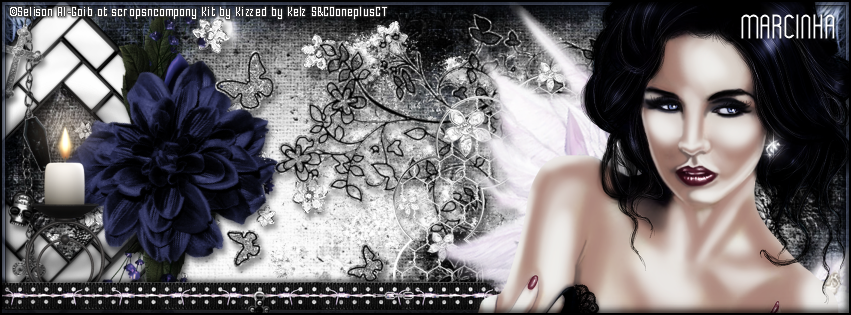
PTU Kit "Carmela" by Kizzed By Kelz, you can purchase it here 
Font: Wytherness

****************************************

--> Remember to save often and use my tag as reference if necessary. Use a Drop Shadow of your preference on layers. 


1. Create a new image 851x315.

2. Open 'paper' KBK_Carmela (12). Resize 65%. Copy and paste as new layer. Move it way to left and down to show the lights. Duplicate. Mirror. Move it below the original paper layer. Click on original layer. Erase a little the right side of the paper to better fit the paper below.

3. Open KBK_Carmela (42). Resize 70%. Copy and paste as new layer. Move it to left.

4. Open KBK_Carmela (16). Resize 45%. Free Rotate: Left-45. Copy and paste as new layer. Move it way to left.

5. Open KBK_Carmela (62). Resize 65%. Free Rotate: Right-90. Copy and paste as new layer. Place it over the frame right corner. 

6. Open KBK_Carmela (54). Resize 35%. Free Rotate: Left-25. Copy and paste as new layer. Place it over the previous flower.

7. Open KBK_Carmela (95). Resize 70%. Mirror. Copy and paste as new layer. Move it way to left.

8. Open KBK_Carmela (19). Resize 60%. Mirror. Copy and paste as new layer. 

9. Open KBK_Carmela (40). Resize 70%. Mirror. Flip. Copy and paste as new layer. 

10. Open KBK_Carmela (43). Resize 65%. Copy and paste as new layer. Move it way down and to right.

11. Open KBK_Carmela (28). Resize 40%. Copy and paste as new layer. Move it down and to left.

12. Add a new layer. Select all. Fill with #b3c0e2. Contract > 5. Delete. Keep selected. Fill with Black. Contract > 1. Delete. Deselect.

13. Open KBK_Carmela (94). Copy and paste as new layer. Move it way down. Dulicate. Mirror. Move the copy layer below the original element layer. Move it until you like the position.

14. Open your tube. Resize. Move it to right. You may want to re-arrange some elements to better fit your tube.

15. Add a new layer. Fill with Black. Contract > 2. Delete. Deselect.


-> Add your copyright info (no URL by Facebook TOU) and license#. 
Add your name or initials. Save as PNG.

--> Sometimes I had to change my Timeline size to 846x313 because when I add it to Facebook the image has extra pixels and do not fit perfectly. So try this size if the same is happening to you.

-----------------------------------------------------------------------

An idea for a Picture Profile


October 12, 2016

Big Bad Wolf kit with Ying tube


**Click to see original size**


== NEW PTU TAG TINY TURTLE DESIGNS CT ==
AND THE ART OF SELISAN AL-GAIB

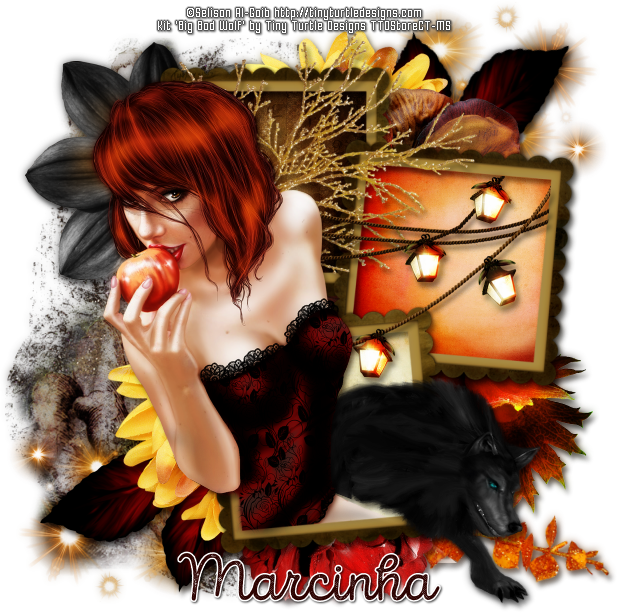
Featuring "Ying", a Selisan Al-Gaib tube and
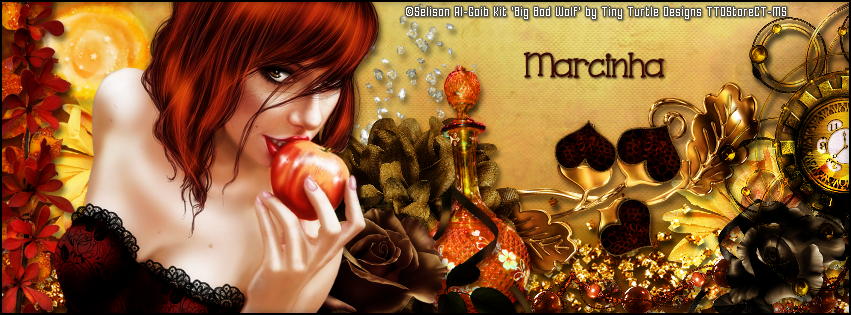
 "Big Bad Wolf", Tiny Turtle Design kit at TinyTurtleDesign Store.

Tiny Turtle Design kit has 50 papers and 330 elements so you can play with it. 

Selisan Al-Gaib's tube can be found  at:
-> TinyTurtleDesign Store, here 

Tiny Turtle Design kit can be found  at:
-> TinyTurtleDesign Store, here 


October 11, 2016

SHOW OFF - Mickhalea


== NEW PTU TAG TINY TURTLE DESIGNS CT ==
AND THE ART OF SELISAN AL-GAIB

Featuring "Elia Fae", tube by Selisan Al-Gaib and 
"Mickhalea", Tiny Turtle Design kit at TinyTurtleDesign Store.

Selisan Al-Gaib's tube can be found  at
-> TinyTurtleDesign Store, here

Tiny Turtle Design kit can be found  at
-> TinyTurtleDesign Store, here


August 21, 2015

Peachy Summer with Imagine - Show Off


**Click to see original size **


== NEW PTU TAG BELLA CARIBEÑA CT ==
AND THE ART OF SELISAN AL-GAIB

Featuring "Imagine", a Selisan Al-Gaib tube
and "Peachy Summer", Bella Caribeña kit at TinyTurtleDesign Store.

Bella Caribeña kit has 11 papers and 105 elements so you can play with it. 

Selisan Al-Gaib's tube can be found  at:
-> TinyTurtleDesign Store, here

Bella Caribeña kit can be found  at:
-> TinyTurtleDesign Store, here