Showing posts with label Natalia Nz. Show all posts

May 28, 2017

Zomi ~ by Joanne Salgado


Tutorial written by Joanne Salgado on May 28th, 2017
for those who have a working knowledge of PSP.
I'm using PSP9 to create my tuts.
Any resemblance to any other tutorial is coincidental.
Do not copy and paste this tutorial anywhere on the net.
If you want to translate please ask first. 

****************************************
Material:

Tube: "Zomi" by Natalia NZ
do not use without the proper #license.
PTU Kit "Dark Side" by Disturbed Scraps
DARK SIDE COLLAB 1 & 2 you can purchase it here and here
Font: Wacky Action BTN

****************************************

--> Remember to save often and use my tag as reference if necessary.

1. Open a new image 650x550

2. Open element 'DS - DS Element (62)' copy and paste as new layer. Resize 80%.

3. Open element 'DS - DS Element (7)' copy and paste as new layer. Resize 70%. Move this layer below the frame layer. Arrange it to the right. Duplicate. Mirror.

4. Open paper 'DS - DS Paper 10' copy and paste as new layer. Resize 50%. Arrange it inside the right frame and clean outside.

5. Open paper 'DS - DS Paper 11' copy and paste as new layer. Resize 50%. Arrange it inside the left frame and clean outside.

6. Open element 'DS - DS Element (72)' copy and paste as new layer. Arrange it to the top left.

7. Open element 'DS - DS Element (53)' copy and paste as new layer. Resize 50%. Arrange it to the top right.

8. Open element 'DS - DS Element (70)' copy and paste as new layer. Resize 50%. Arrange it to the top right.

9. Open element 'DS - DS Element (19)' copy and paste as new layer. Resize 60%. Arrange it inside the right frame and clean outside.

10. Open element 'DS - DS Element (26)' copy and paste as new layer. Resize 50%. Arrange it inside the left frame and clean outside.

11. Open element 'DS - DS Element (34)' copy and paste as new layer. Resize 70%. Move this layer above the frame layer. Arrange it to the left.

12. Open element 'DS - DS Element (27)' copy and paste as new layer. Resize 50%. Arrange it to the bottom right.

13. Open element 'DS - DS Element (31)' copy and paste as new layer. Arrange it to bottom.

14. Open element 'DS - DS Element (52)' copy and paste as new layer. Resize 50%. Arrange it to the bottom left.

15. Open your tube. Copy and paste as new layer. Resize as needed and arrange it in the middle.

16. Add shadow as you prefer.

17. Add copyright. Add name. Save as PNG.

November 14, 2016

Winter Green kit and Jesika tube


== NEW PTU TAG TINY TURTLE DESIGNS CT ==
AND THE ART OF NATALIA NZ

Featuring "Jesika", a Natalia NZ tube and
 "Winter Green", Tiny Turtle Design kit at TinyTurtleDesign Store.


Tiny Turtle Design kit has 21 papers and 134 elements so you can play with it. 

Natalia NZ's tube can be found  at:
-> TinyTurtleDesign Store, here 

Tiny Turtle Design kit can be found  at:
-> TinyTurtleDesign Store, here 


October 31, 2016

SHOW OFF - Deathly Fall


== NEW PTU TAG TINY TURTLE DESIGNS CT ==
AND THE ART OF NATALIA NZ

Featuring "Sallma", tube by Natalia NZ and
"Deathly Fall", Tiny Turtle Design kit at TinyTurtleDesign Store.

Natalia NZ's tube can be found  at
-> TinyTurtleDesign Store, here

Tiny Turtle Design kit can be found  at
-> TinyTurtleDesign Store, here


October 26, 2016

SHOW OFF - Boo Parade


== NEW PTU TAG TINY TURTLE DESIGNS CT ==
AND THE ART OF NATALIA NZ

Featuring "Scully", tube by Natalia NZ and
"Boo Parade", Tiny Turtle Design kit at TinyTurtleDesign Store.

Natalia NZ's tube can be found  at
-> TinyTurtleDesign Store, here

Tiny Turtle Design kit can be found  at
-> TinyTurtleDesign Store, here


September 20, 2016

SHOW OFF - Magic Nights


== NEW PTU TAG TINY TURTLE DESIGNS CT ==
AND THE ART OF NATALIA NZ

Featuring "Mavilotta", tube by Nataliz NZ and
"Magic Nights", Tiny Turtle Design kit at TinyTurtleDesign Store.

Natalia NZ's tube can be found  at:
-> TinyTurtleDesign Store, here

Tiny Turtle Design kit can be found  at:
-> TinyTurtleDesign Store, here


July 31, 2016

SHOW OFF - Sweet Shoppe


== NEW PTU TAG TINY TURTLE DESIGNS CT ==
AND THE ART OF NATALIA NZ

Featuring "Latisha", tube by Natalia NZ and 
"Sweet Shoppe", Tiny Turtle Design kit at TinyTurtleDesign Store. 

Natalia NZ's tube can be found  at:
-> TinyTurtleDesign Store, here

Tiny Turtle Design kit can be found  at:
-> TinyTurtleDesign Store, here


June 10, 2016

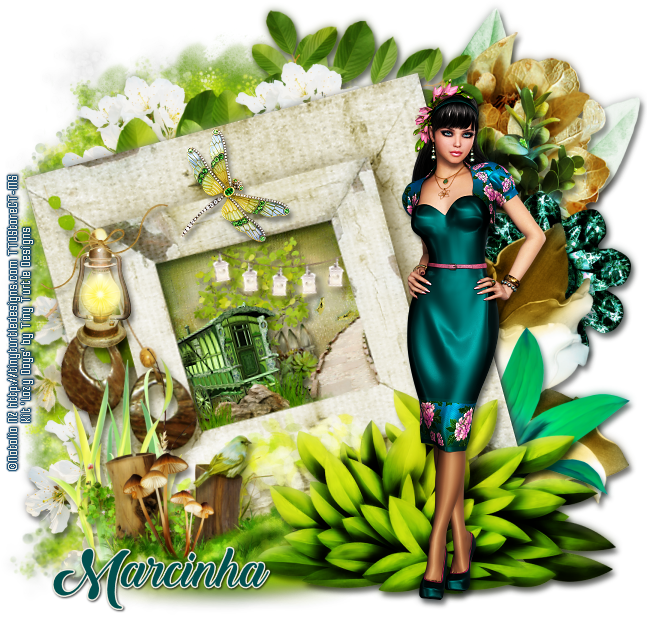
Lazy Days with Sesilia


**Click to see original size**


== NEW PTU TAG TINY TURTLE DESIGNS CT ==
AND THE ART OF NATALIA NZ

Featuring "Sesilia", a Natalia NZ tube and
"Lazy Days", Tiny Turtle Design kit at TinyTurtleDesign Store.

Personal Use Kit filled with loads of stunning Elements & Papers.
Tagger Sized. Please do not share.

Natalia NZ's tube can be found  at:
-> TinyTurtleDesign Store, here

Tiny Turtle Design kit can be found  at:
-> TinyTurtleDesign Store, here 


March 24, 2016

SHOW OFF - Fruitful Spring


== NEW PTU TAG TINY TURTLE DESIGNS CT ==
AND THE ART OF NATALIA NZ

Featuring "Elfira", tube by Natalia NZ and
"Fruitful Spring", Tiny Turtle Design kit at TinyTurtleDesign Store.


Natalia NZ's tube can be found  at:
-> TinyTurtleDesign Store, here

Tiny Turtle Design kit can be found  at:
-> TinyTurtleDesign Store, here


March 13, 2016

SHOW OFF - Welcome Spring


== NEW PTU TAG TINY TURTLE DESIGNS CT ==
AND THE ART OF NATALIA NZ

Featuring "Irenna", tube by Natalia NZ and
"Welcome Spring", Tiny Turtle Design kit at TinyTurtleDesign Store.


Natalia NZ's tube can be found  at:
-> TinyTurtleDesign Store, here

Tiny Turtle Design kit can be found  at:
-> TinyTurtleDesign Store, here


March 12, 2016

Leprikonia ~ by Joanne Salgado


Tutorial written by Joanne Salgado on March 09th, 2016
for those who have a working knowledge of PSP.
Any resemblance to any other tutorial is coincidental.
Do not copy and paste this tutorial anywhere on the net.
If you want to translate please ask first. 

Tube: Leprikonia by Natalia NZ - you can purchase here
Kit Eat Drink and be Irish by Disturbed Scraps - you can purchase here
Font: Canter Bold

Don't forget to save often.
At any point if you have doubts check my tag.

1. Open a new image 650x550

2. Open element 'DS - EDBI Element (20)' copy and paste as new layer. Arrange it to bottom.

3. Open element 'DS - EDBI Element (14)' copy and paste as new layer. Resize 80%. Move this layer below the grass layer. Arrange it at the center.

4. Open element 'DS - EDBI Element (79)' copy and paste as new layer. Resize 80%. Move this layer below the arch layer. Arrange it to the top left. Duplicate. Mirror.

5. Open element 'DS - EDBI Element (67)' copy and paste as new layer. Arrange it to the left. Duplicate. Arrange it to the right. Clean the lower parts.

6. Open element 'DS - EDBI Element (5)' copy and paste as new layer.

7. Open element 'DS - EDBI Element (17)' copy and paste as new layer. Resize 40%. Arrange it to the bottom left of the frame. Duplicate. Mirror.

8. Open element 'DS - EDBI Element (62)' copy and paste as new layer. Resize 40%. Arrange it to the right above the pink flower.

9. Open element 'DS - EDBI Element (3)' copy and paste as new layer. Resize 40%. Arrange it to the top left of the frame.

10. Open element 'DS - EDBI Element (6)' copy and paste as new layer. Resize 40%. Arrange it to the left between the two flowers. Duplicate. Mirror. Arrange it to the top right above the fruit.

11. Open paper 'DS - EDBI Paper 9' copy and paste as new layer. Resize 60%. Arrange it inside the arch and clean the outside parts.

12. Open element 'DS - EDBI Element (18)' copy and paste as new layer. Resize 50%. Arrange it to the bottom left of the frame. Move this layer above the arch layer.

13. Open element 'DS - EDBI Element (32)' copy and paste as new layer. Resize 30%. Arrange it to the bottom left. Move this layer above the grass layer.

14. Open element 'DS - EDBI Element (24)' copy and paste as new layer. Resize 40%. Arrange it to the bottom left.

15. Open element 'DS - EDBI Element (23)' copy and paste as new layer. Resize 50%. Arrange it to the bottom left.

16. Open element 'DS - EDBI Element (70)' copy and paste as new layer. Resize 80%. Arrange it to the bottom right.

17. Open element 'DS - EDBI Element (31)' copy and paste as new layer. Resize 30%. Arrange it to the bottom right.

18. Open element 'DS - EDBI Element (33)' copy and paste as new layer. Resize 30%. Arrange it to the bottom right.

19. Open element 'DS - EDBI Element (61)' copy and paste as new layer. Resize 40%. Rotate left 20. Arrange it to the right.

20. Open your tube. Copy and paste as new layer. Resize as needed and arrange it a little to the right.

21. Add shadow as you prefer.

22. Add copyright. Add name. Save as PNG.

February 19, 2016

Angellia ~ by Joanne Salgado


Tutorial written by Joanne Salgado on February 19th, 2016
for those who have a working knowledge of PSP.
Any resemblance to any other tutorial is coincidental.
Do not copy and paste this tutorial anywhere on the net.
If you want to translate please ask first. 

Tube: Angellia by Natalia NZ - you can purchase here
Kit Angel Dreams by Design by Joan - you can purchase here
Font: Erster Caps

Don't forget to save often.
At any point if you have doubts check my tag.

1. Open a new image 650x475

2. Open element 'ANGEL DREAMS_DBJ (88)' copy and paste as new layer. Resize 65%. Arrange it a little to the bottom.

3. Open element 'ANGEL DREAMS_DBJ (6)' copy and paste as new layer. Resize 90%. Move this layer below the frame layer.

4. Open element 'ANGEL DREAMS_DBJ (27)' copy and paste as new layer. Resize 80%. Arrange it behind the wings and clean the lower parts.

5. Open element 'ANGEL DREAMS_DBJ (21)' copy and paste as new layer. Resize 90%. Arrange it to the top right. Duplicate. Mirror. Clean the extra hearts.

6. Open your tube. Copy and paste as new layer. Resize as needed. Move this layer above the frame layer. Arrange it inside the frame and clean the parts necessary.

7. Open element 'ANGEL DREAMS_DBJ (40)' copy and paste as new layer. If needed clean the sparkles from your tube's face.

8. Open element 'ANGEL DREAMS_DBJ (16)' copy and paste as new layer. Resize 80%. Arrange it to the bottom right. Duplicate. Mirror.

9. Open element 'ANGEL DREAMS_DBJ (11)' copy and paste as new layer. Resize 60%. Arrange it to the bottom left. Duplicate. Mirror.

10. Add shadow as you prefer.

11. Add copyright. Add name. Save as PNG.

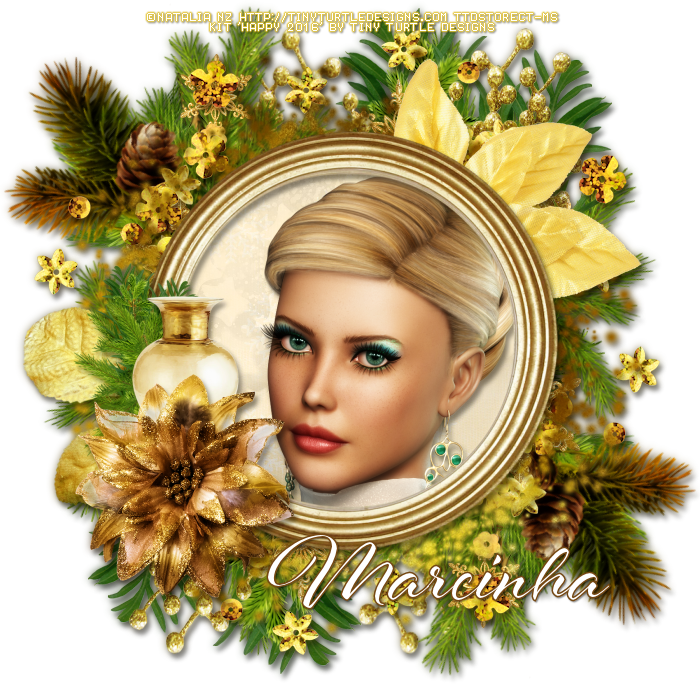
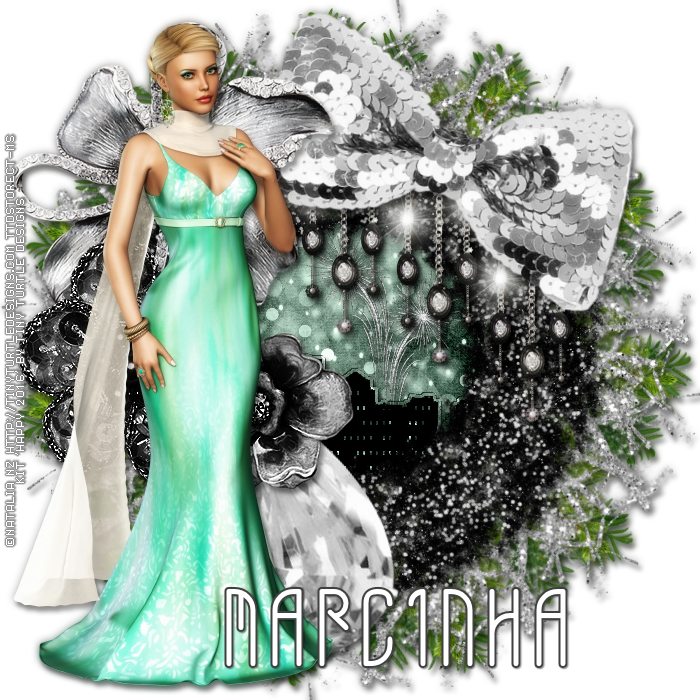
January 1, 2016

Happy 2016 Kit! with Allonia


== NEW PTU TAG TINY TURTLE DESIGNS CT ==
AND THE ART OF NATALIA NZ

Featuring "Allonia", a Natalia NZ tube and
 "Happy 2016 Kit!", Tiny Turtle Design kit at TinyTurtleDesign Store.

Tiny Turtle Design kit has 36 papers and 269 elements so you can play with it. 

Natalia NZ's tube can be found  at:
-> TinyTurtleDesign Store, here: http://tinyturtledesigns.com/store/index.php?main_page=product_info&cPath=126_367_402&products_id=10808

Tiny Turtle Design kit can be found  at:
-> TinyTurtleDesign Store, here: http://tinyturtledesigns.com/store/index.php?main_page=product_info&cPath=8_9_398&products_id=10860

TinyTurtleDesign Store--> http://tinyturtledesigns.com/store/

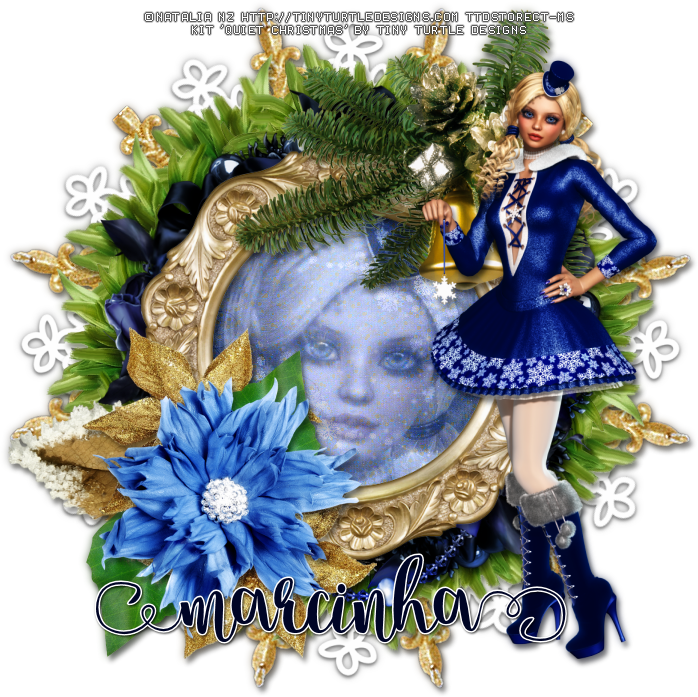
December 28, 2015

Quiet Christmas Kit with Vikky


== NEW PTU TAG TINY TURTLE DESIGNS CT ==
AND THE ART OF NATALIA NZ

Featuring "Vikky", a Natalia NZ Tubes tube and
 "Quiet Christmas Kit", Tiny Turtle Design kit at TinyTurtleDesign Store.

Tiny Turtle Design kit has 29 papers and 129 elements so you can play with it. 

Natalia NZ Tube's tube can be found  at:
-> TinyTurtleDesign Store, here 

Tiny Turtle Design kit can be found  at:
-> TinyTurtleDesign Store, here 


November 1, 2015

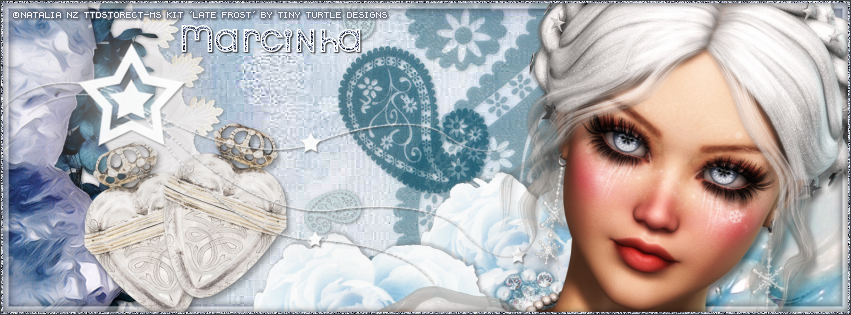
Late Frost with Vera - Show Off


**Click to see original size**


== NEW PTU TAG TINY TURTLE DESIGNS CT ==
AND THE ART OF NATALIA NZ

Featuring "Vera", a Natalia NZ tube and
"Late Frost", Tiny Turtle Design kit at TinyTurtleDesign Store.

Tiny Turtle Design kit has 28 papers and 106 elements so you can play with it. 

Natalia NZ's tube can be found  at:
-> TinyTurtleDesign Store, here 

Tiny Turtle Design kit can be found  at:
-> TinyTurtleDesign Store, here 


October 27, 2015

Tag SHOW OFF - Joanne Salgado


 == NEW PTU TAG TINY TURTLE DESIGNS CT ==
AND THE ART OF NATALIA NZ


Featuring "Monstera", tube by Natalia NZ and 
"Leila", Tiny Turtle Design kit at TinyTurtleDesign Store.

Natalia NZ's tube can be found  at:
-> TinyTurtleDesign Store, here

Tiny Turtle Design kit can be found  at:
-> TinyTurtleDesign Store, here

TinyTurtleDesign Store--> http://tinyturtledesigns.com/store/

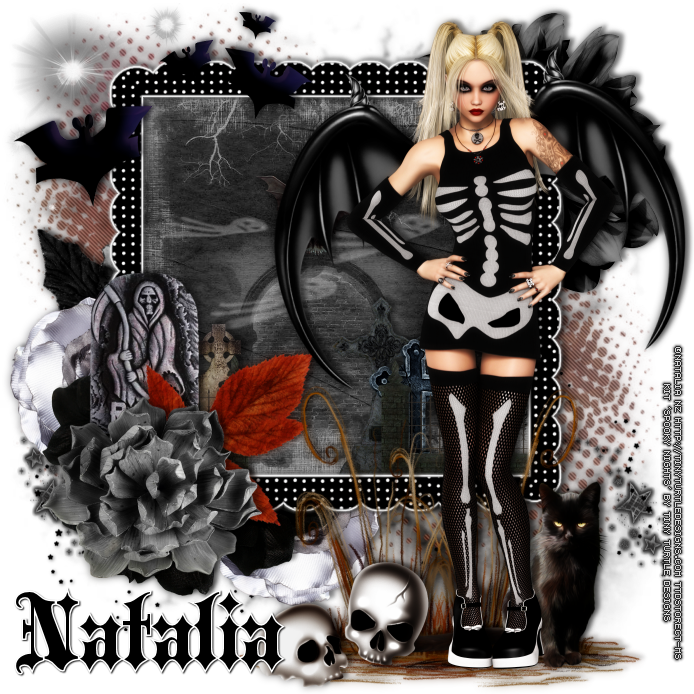
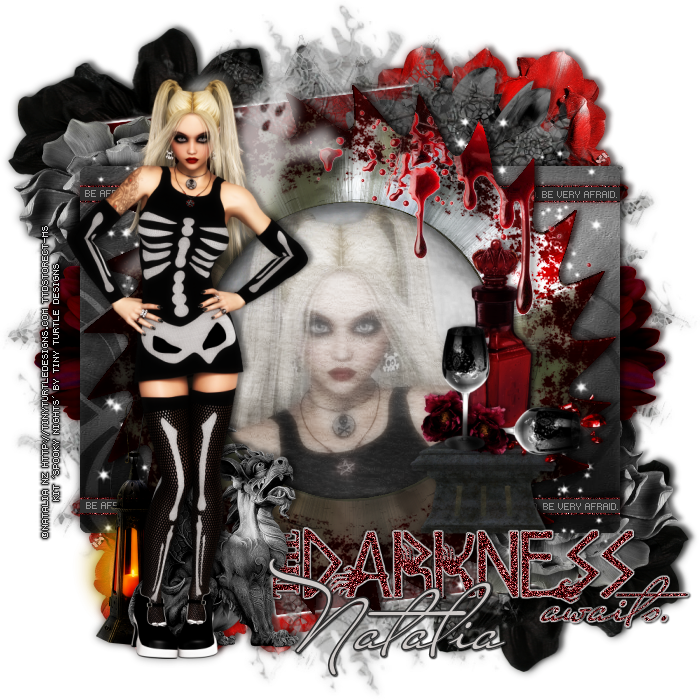
October 4, 2015

Spooky Nights with Skelotta - Show Off CT


== NEW PTU TAG TINY TURTLE DESIGNS CT ==
AND THE ART OF NATALIA NZ

Featuring "Skelotta", a Natalia NZ tube and
 "Spooky Nights", Tiny Turtle Design kit at TinyTurtleDesign Store.

Tiny Turtle Design kit has 64 papers and 163 elements so you can play with it. 

Natalia NZ's tube can be found  at:
-> TinyTurtleDesign Store, here

Tiny Turtle Design kit can be found  at:
-> TinyTurtleDesign Store, here


October 1, 2015

Midnight Autumn with Velerina - Show Off


**Click to see original size**


== NEW PTU TAG TINY TURTLE DESIGNS CT ==
AND THE ART OF NATALIA NZ

Featuring "Velerina", a Natalia NZ tube and
 "Midnight Autumn ", Tiny Turtle Design kit at TinyTurtleDesign Store.

Tiny Turtle Design kit has 20 papers and 117 elements so you can play with it. 

Natalia NZ's tube can be found  at:
-> TinyTurtleDesign Store, here

Tiny Turtle Design kit can be found  at:
-> TinyTurtleDesign Store, here